

Read later
Send articles to Readwise, Instapaper, or Raindrop. Link a service once, then send whatever you're reading.
Read later sends articles from Glanced to Readwise, Instapaper, or Raindrop.
Manage connections at Automation → Integrations. To send an article, click Send to in the article toolbar, or right-click (long press on mobile) an article in your list and pick a service. With nothing linked yet, both show Read Later and take you to the integrations page. See Reading Articles for everything else the toolbar can do.
Link a service
Readwise and Raindrop each need a token. Instapaper just needs your account sign-in. Glanced checks the credential before saving it, stores it encrypted, and only ever sends it to that service.
Readwise
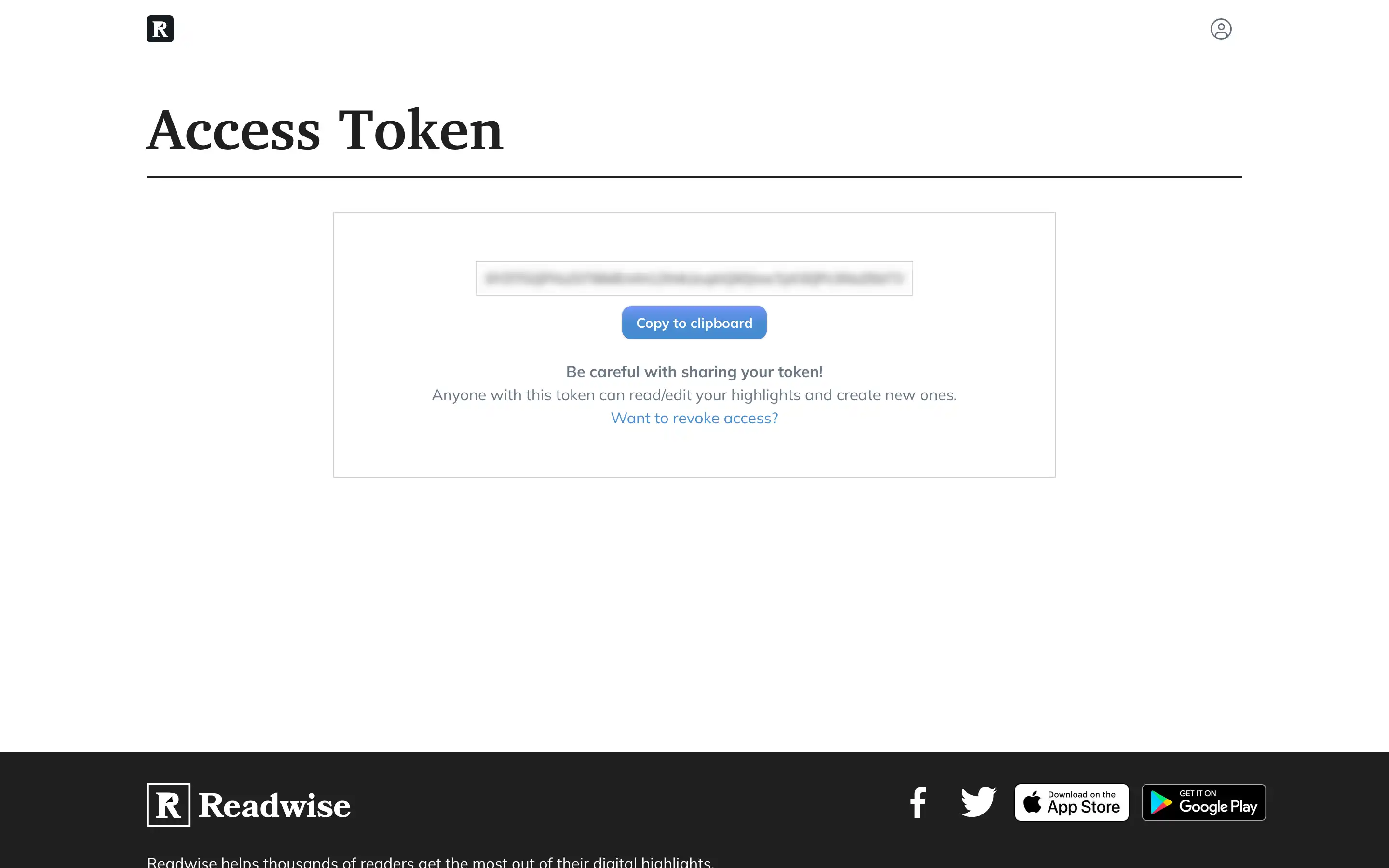
Create an access token at readwise.io/access_token, then click Link next to Readwise and paste it in.
Instapaper
Instapaper uses your account sign-in, so there's no token to create. Click Link next to Instapaper and enter your email or username, plus your password if you have one.
Send the same article twice and Instapaper marks it unread instead of creating a duplicate.
Raindrop
In Raindrop, open Settings → Integrations and click Create an app. Any name works. Open the app from the list and click Create test token.
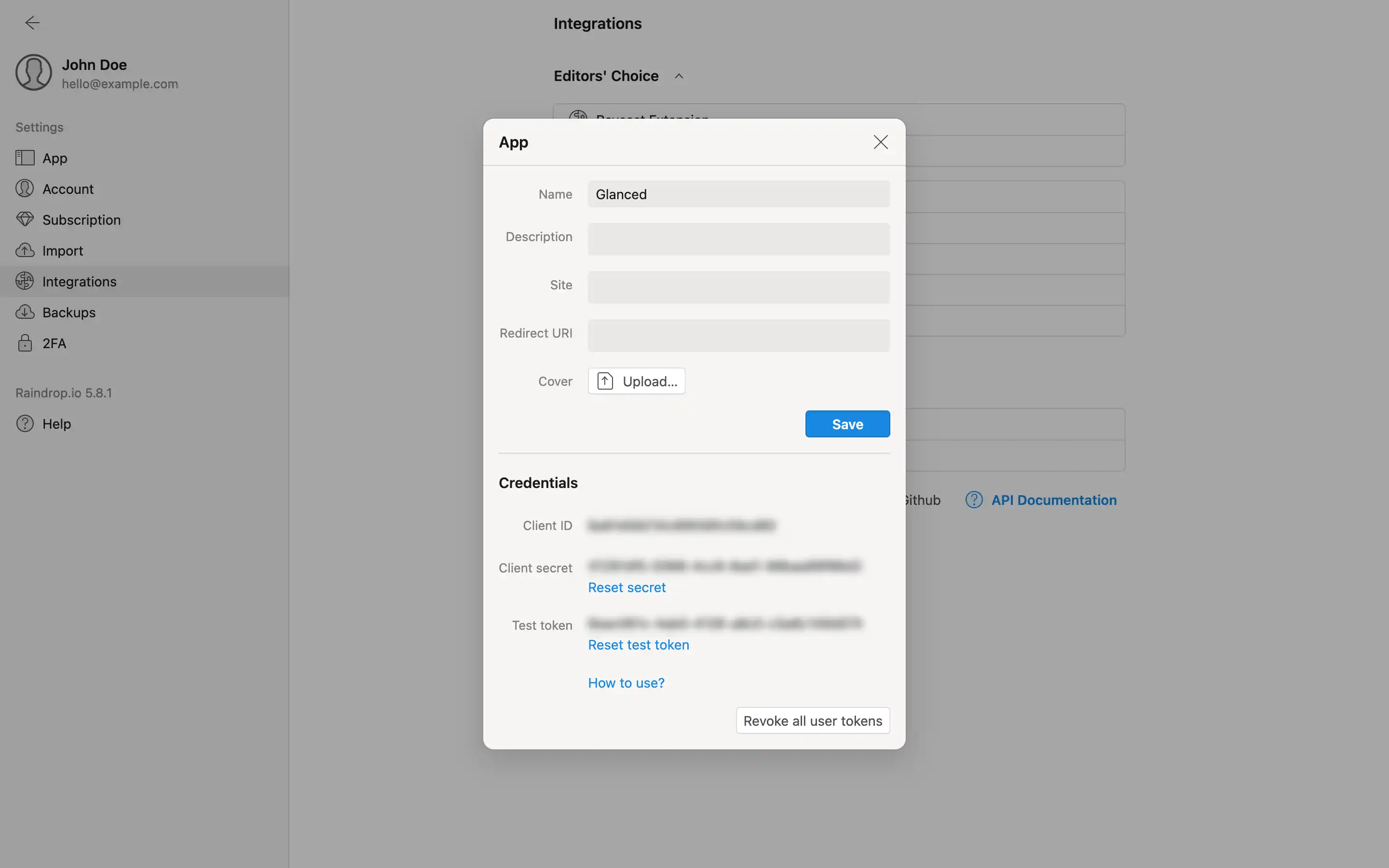
Click Link next to Raindrop in Glanced and paste the token in.
FAQ
How is this guide?